



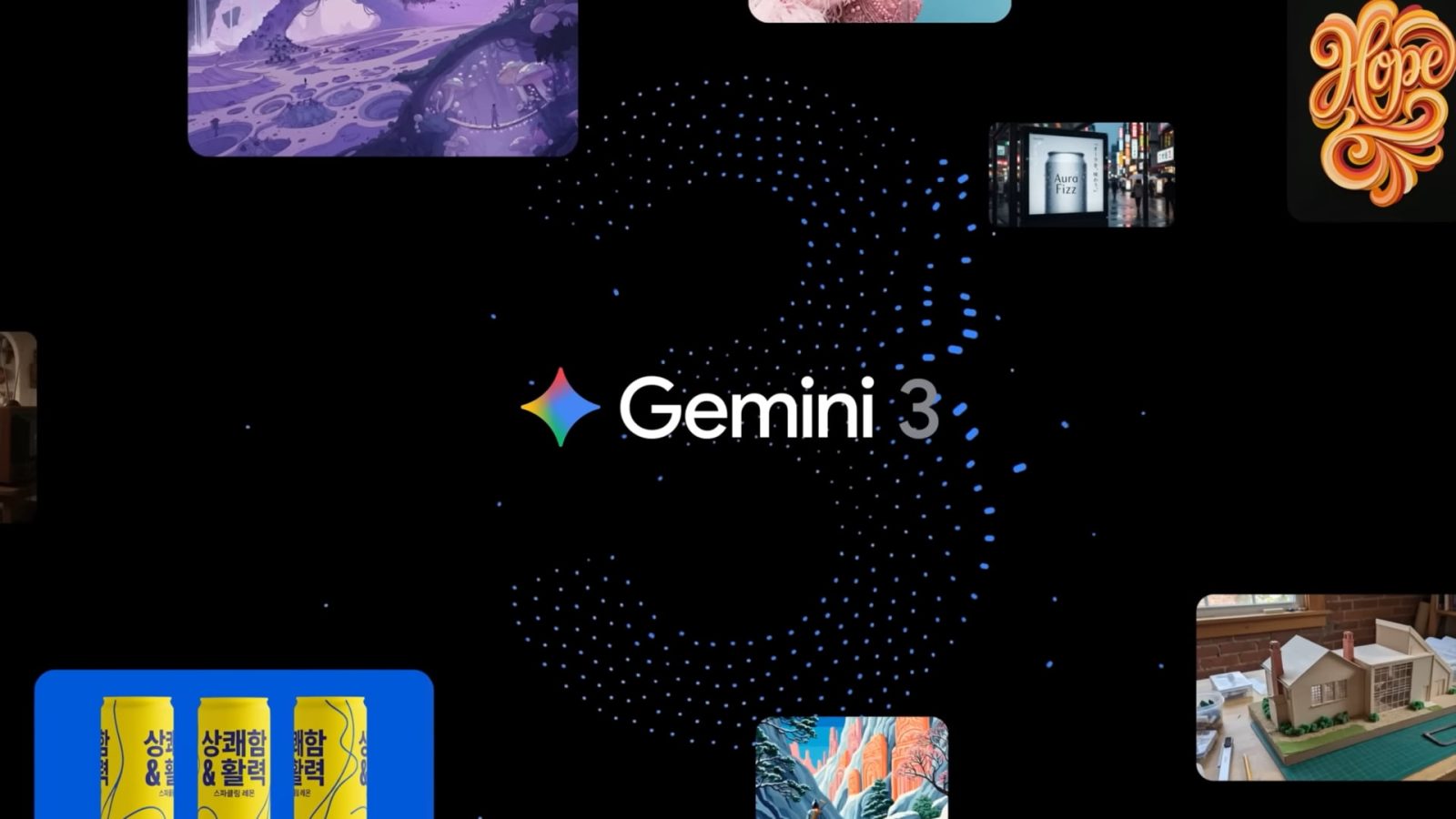
Since the launch of Gemini 3 Pro and Nano Banana Pro, Google looks to have limited what free users can access in response to high demand.
When Gemini 3 Pro launched, free users (or those “without a Google AI plan”) got “Up to 5 prompts / day.” This matched Gemini 2.5 Pro access limits before the latest model launch. Additionally, they could use Nano Banana Pro (Gemini 3 Pro Image) generation and editing with “Up to 3 images / day.”
In the past few days, Google updated the access limits. Free users are now just guaranteed “Basic access” where “daily limits may change frequently” when using Thinking with 3 Pro.
That could be interpreted in either direction, but it’s most likely a decrease given the industry’s general demand trend lines. Supporting that is how Google has updated Nano Banana Pro access to a hard “2 images / day” with a note about how: “Image generation & editing is in high demand. Limits may change frequently and will reset daily.”

Additionally, NotebookLM on Tuesday “temporarily rolled back access” to new Nano Banana Pro-powered Infographics and Slide Decks. Free users lost access, while “additional limits” were implemented for Pro users.
Due to the overwhelming demand, we’re experiencing some capacity constraints… however we plan on bringing everything back to normal as soon as we can!
Available as new options in the Studio tab, Infographics let you create “high-quality, visual summaries of your sources.” Customization options include picking landscape, portrait, or square orientation, as well as the level of detail: concise, standard, or detailed (beta). There’s a prompt field to describe the style, color, and focus.
Slide Decks can be used for presentations or to get a “detailed deck for reading.”
- Detailed Deck: A comprehensive deck with full text and details, perfect for emailing or reading on its own.
- Presenter Slides: Clean, visual slides with key talking points to support you while you speak.
There are no Gemini app changes to the Google AI Pro or Ultra usage limits.


FTC: We use income earning auto affiliate links. More.
